CraftNote for Desktop
CraftNote is our flagship AI notetaker: it records conversations and turns them into transcripts, summaries, and action items. CraftNote for Desktop was born as JoyoLabs began building for businesses, and we saw an opportunity to go deeper for the professionals and teams who rely on CraftNote throughout their workday.
As Founding Designer, I worked closely with product and engineering to bring CraftNote to desktop, from defining the early experience through launch. My role spanned the core product experience, interaction patterns, and adapting our design system for a new platform.
Design. Metehan Birlik, Ege Uz Engineering. Gökberk Bardakçı, Polat Başoğlu Leadership. Kemal Berent Aydın, Cihat İmamoğlu, Orçun Şimşek Featured Artwork. Landscape, Ile-de-France, 1873 by Camille Pissarro
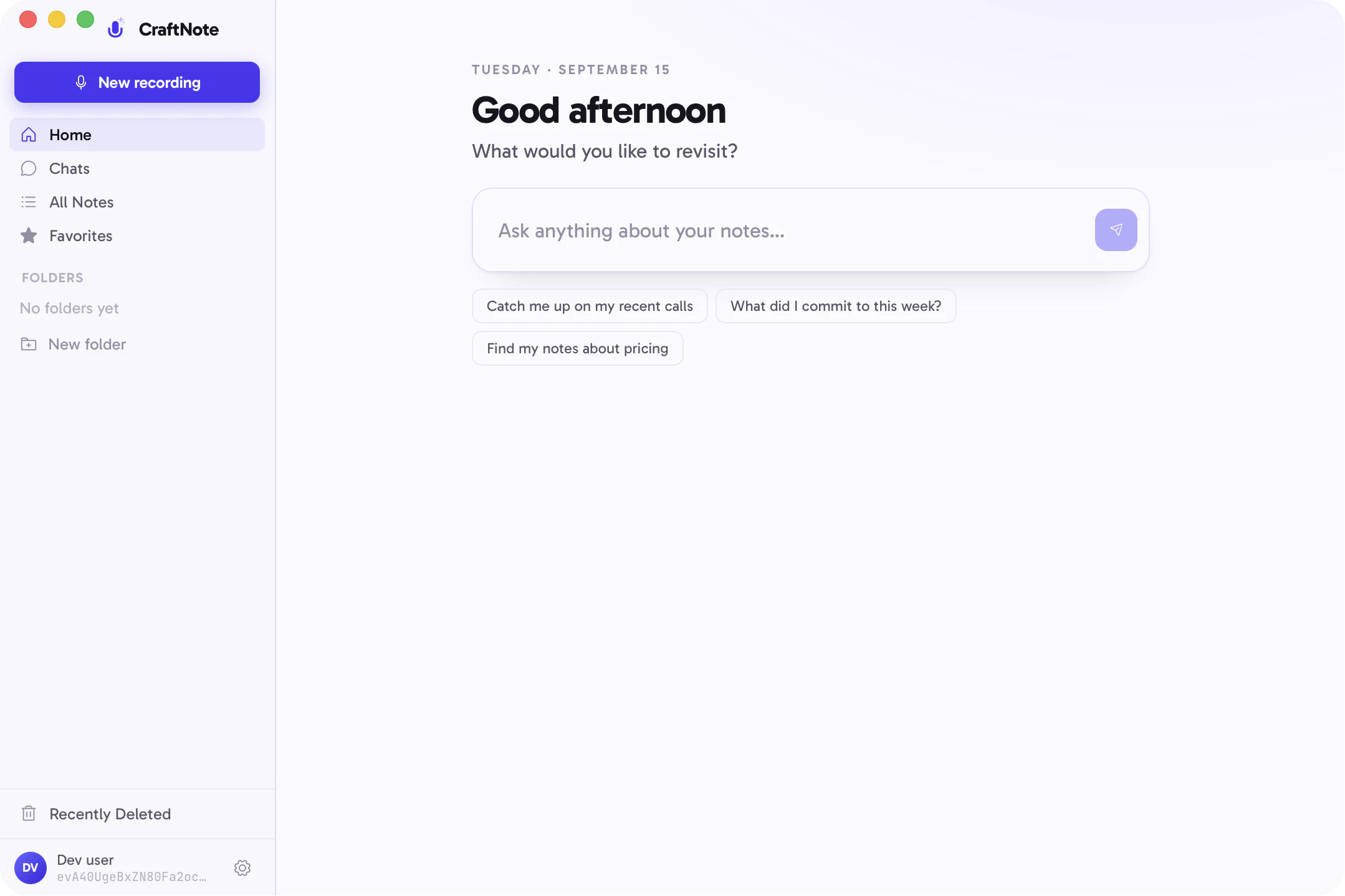
Our wonderful engineering team moved at an incredible pace to prototype the first version of CraftNote for Desktop. My role was to build on that foundation and turn it into a polished, cohesive product experience.
LaunchThe first desktop version.
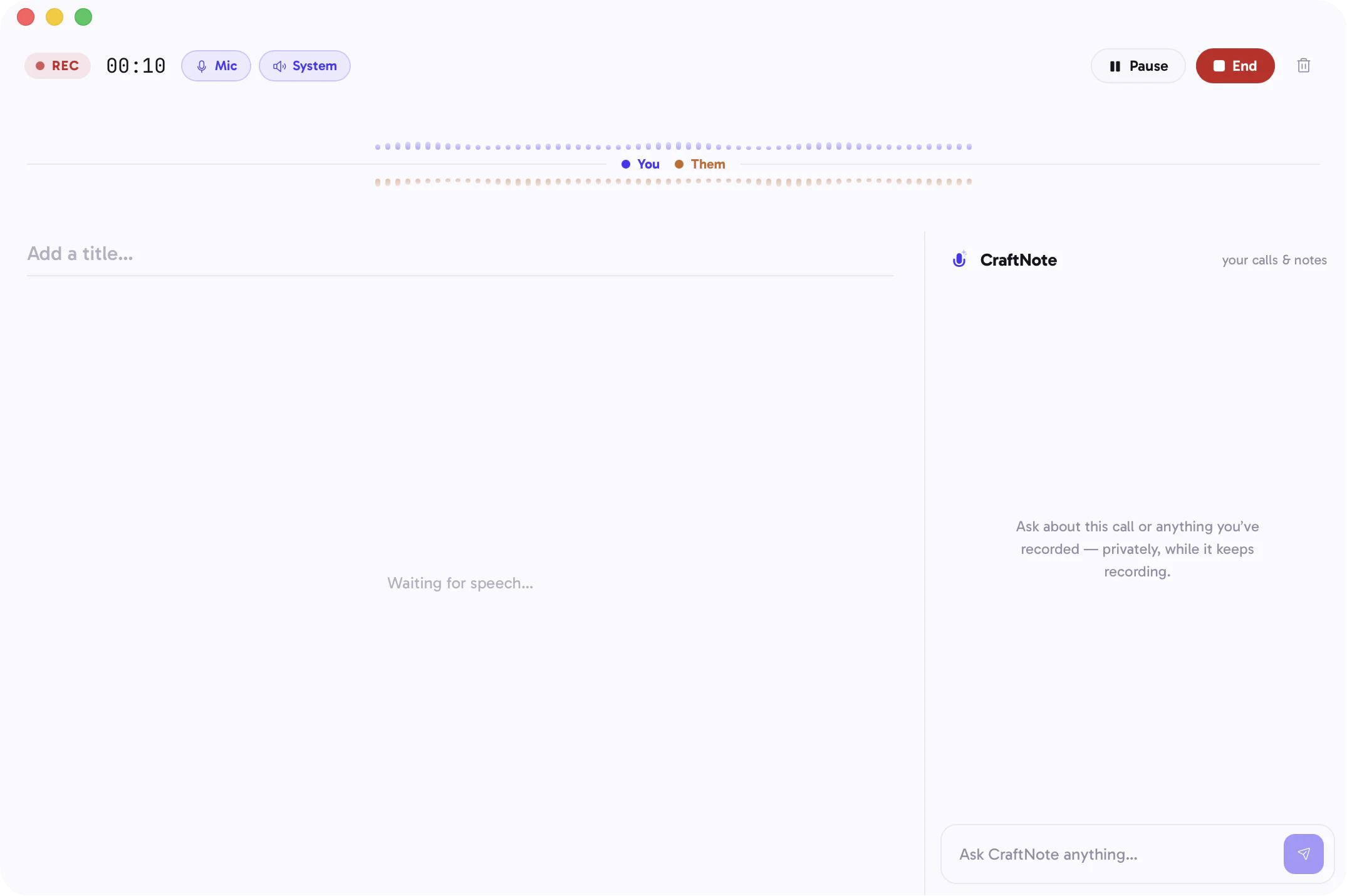
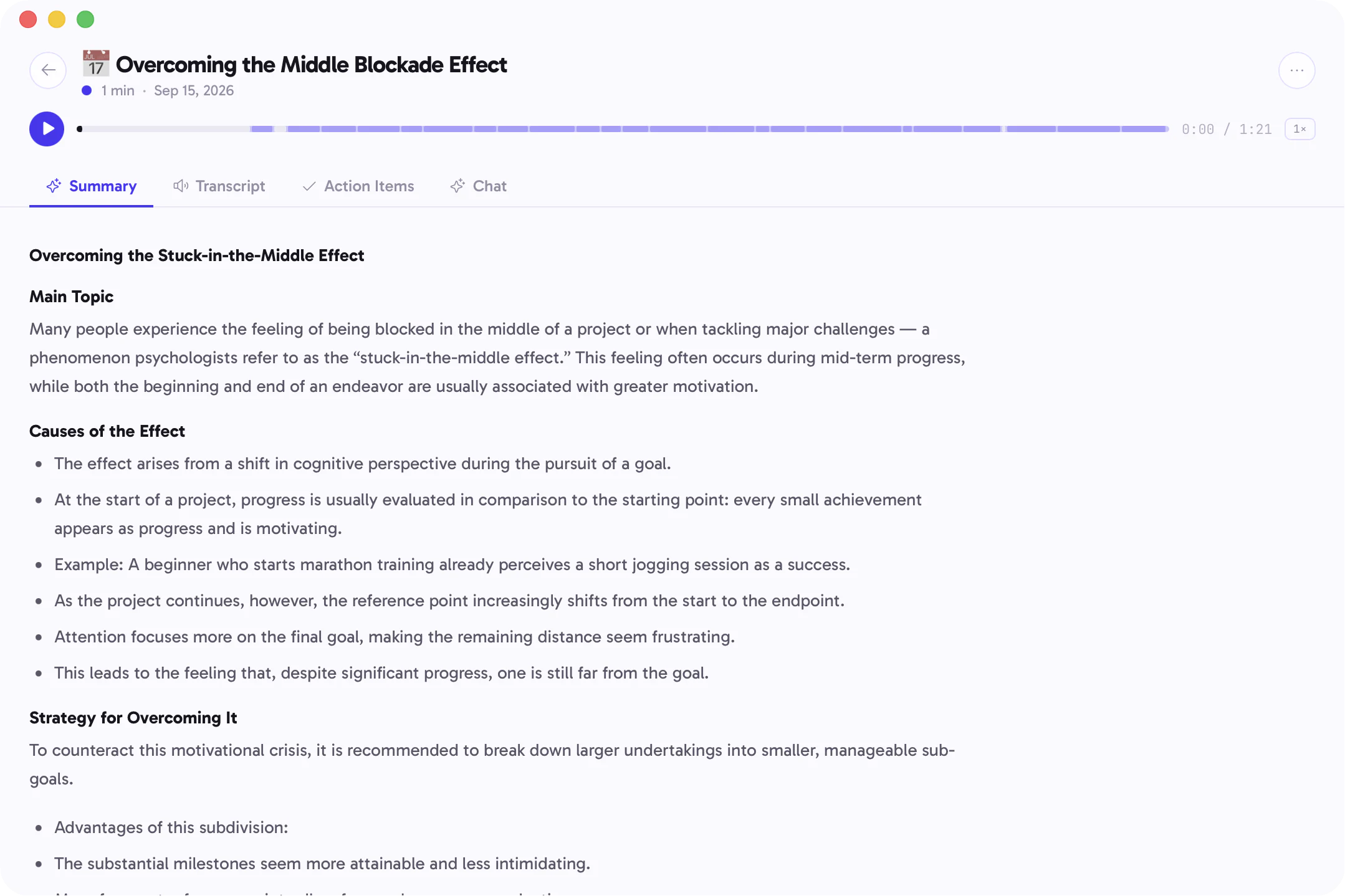
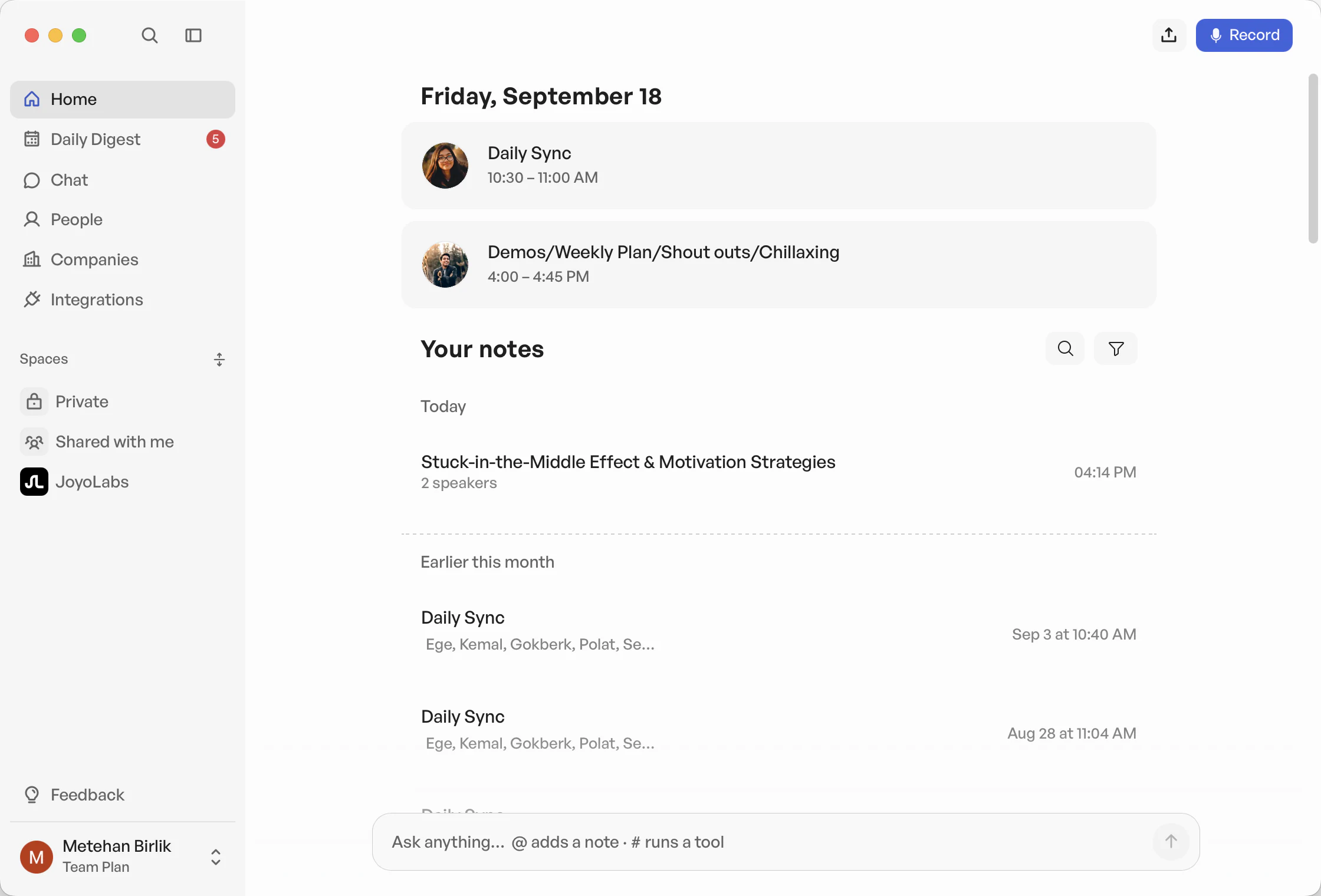
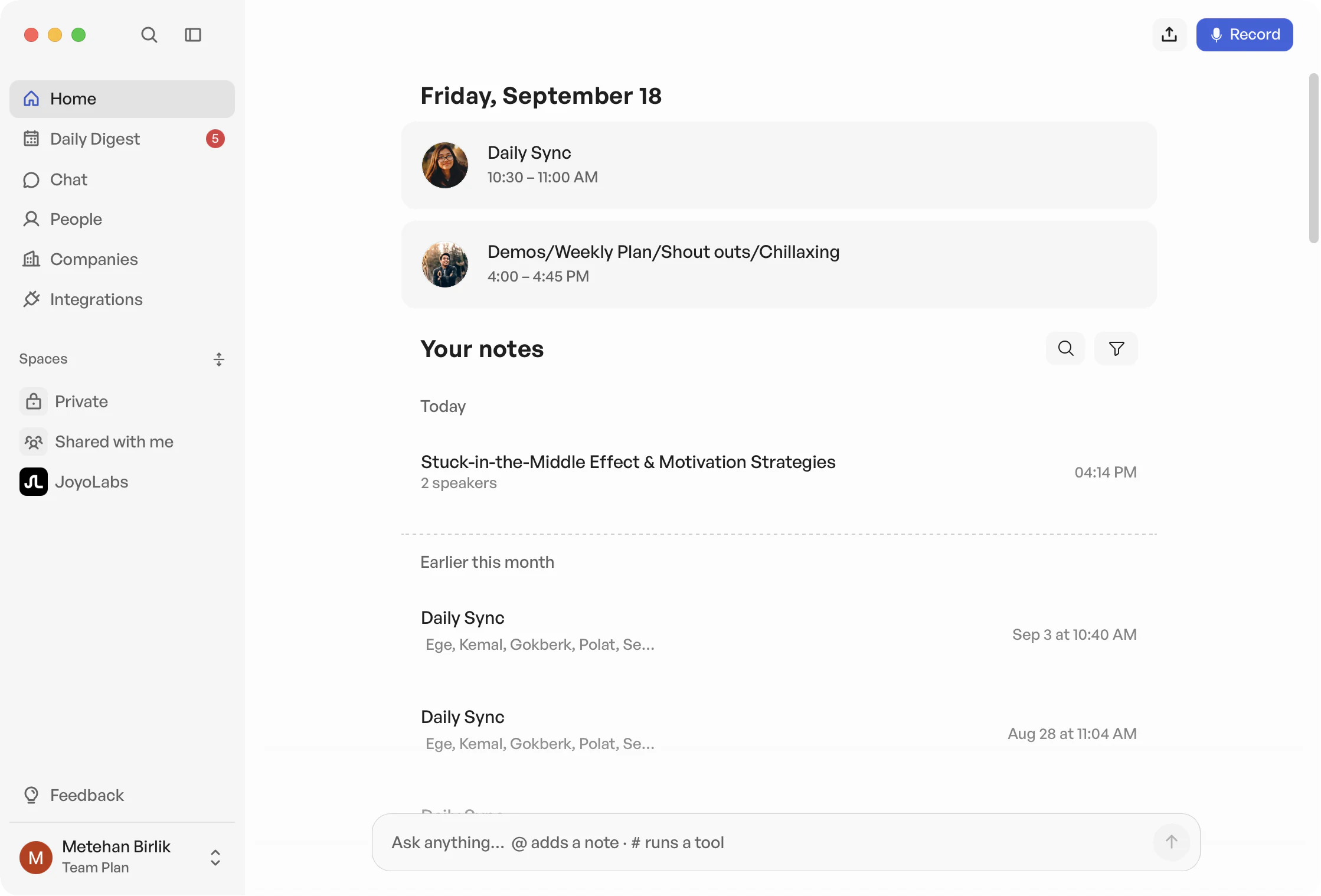
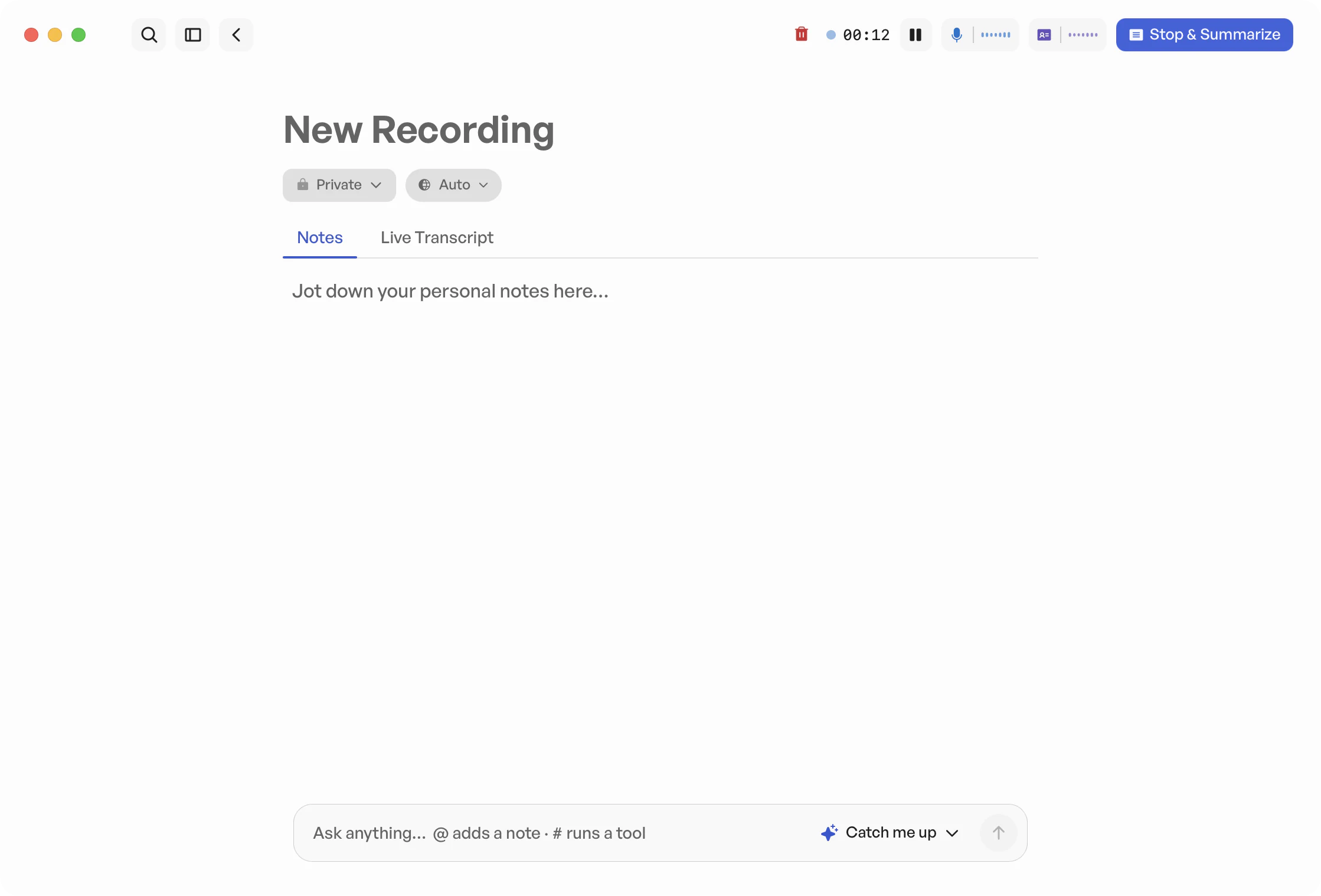
LatestThe same screens today.
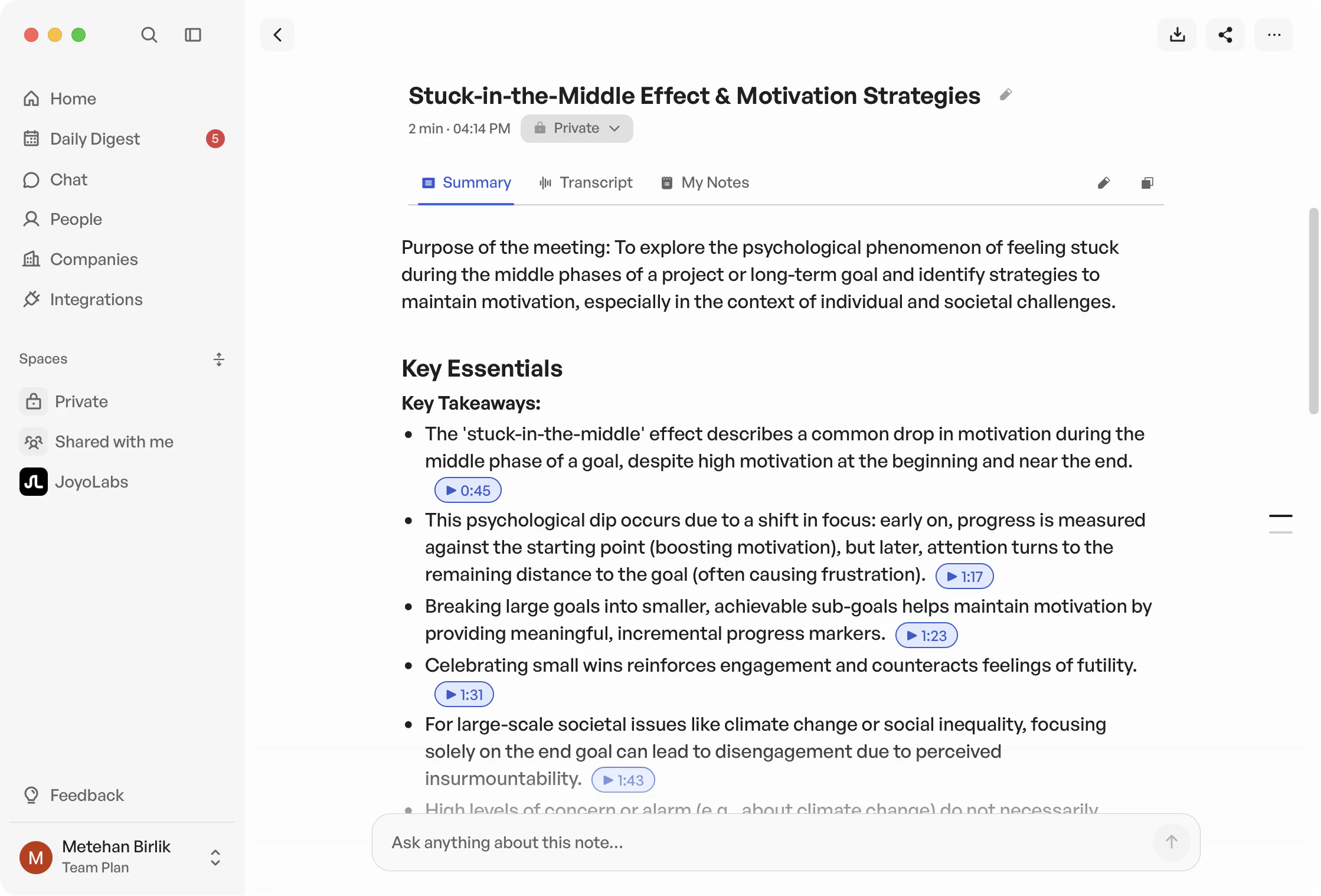
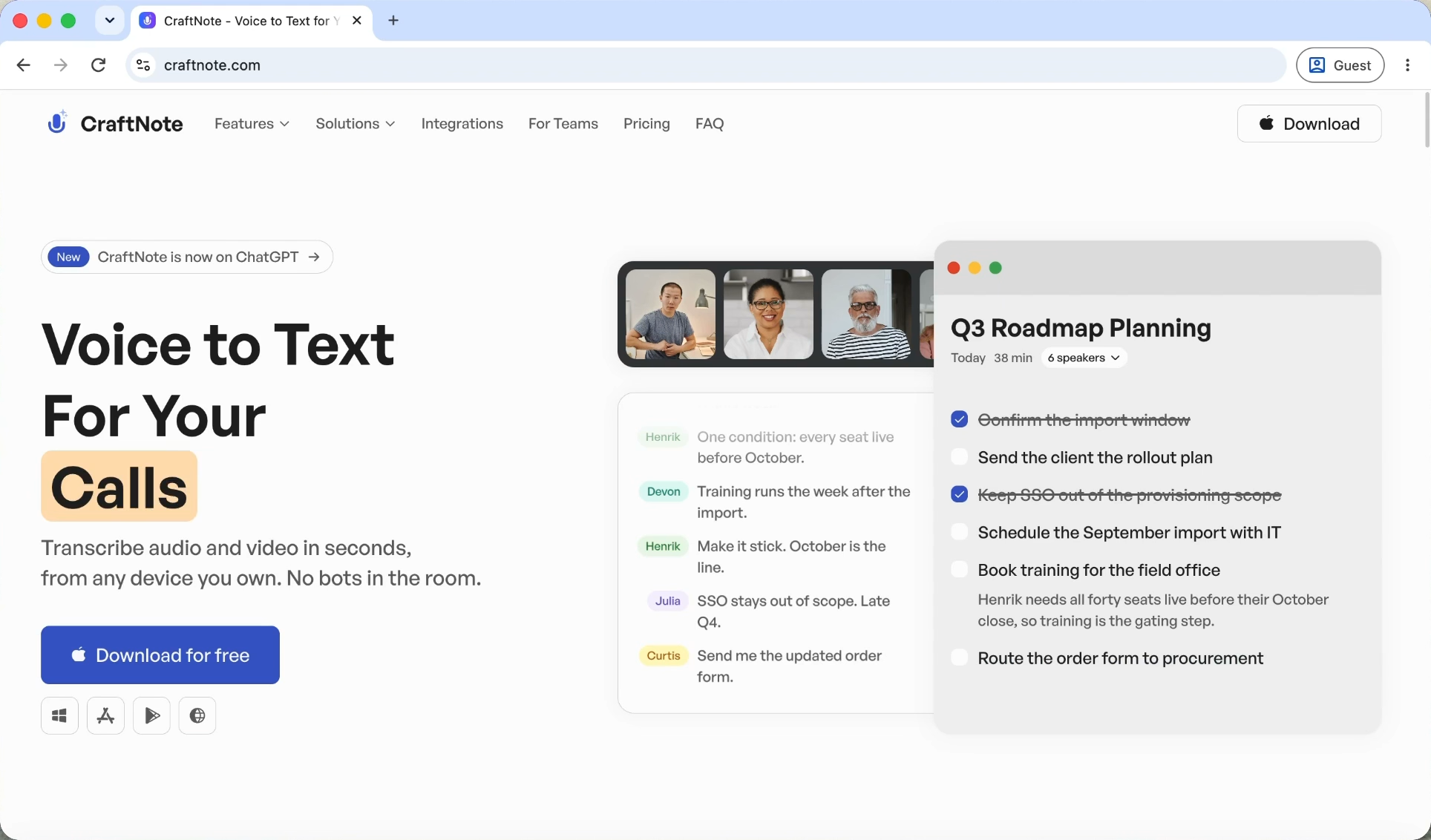
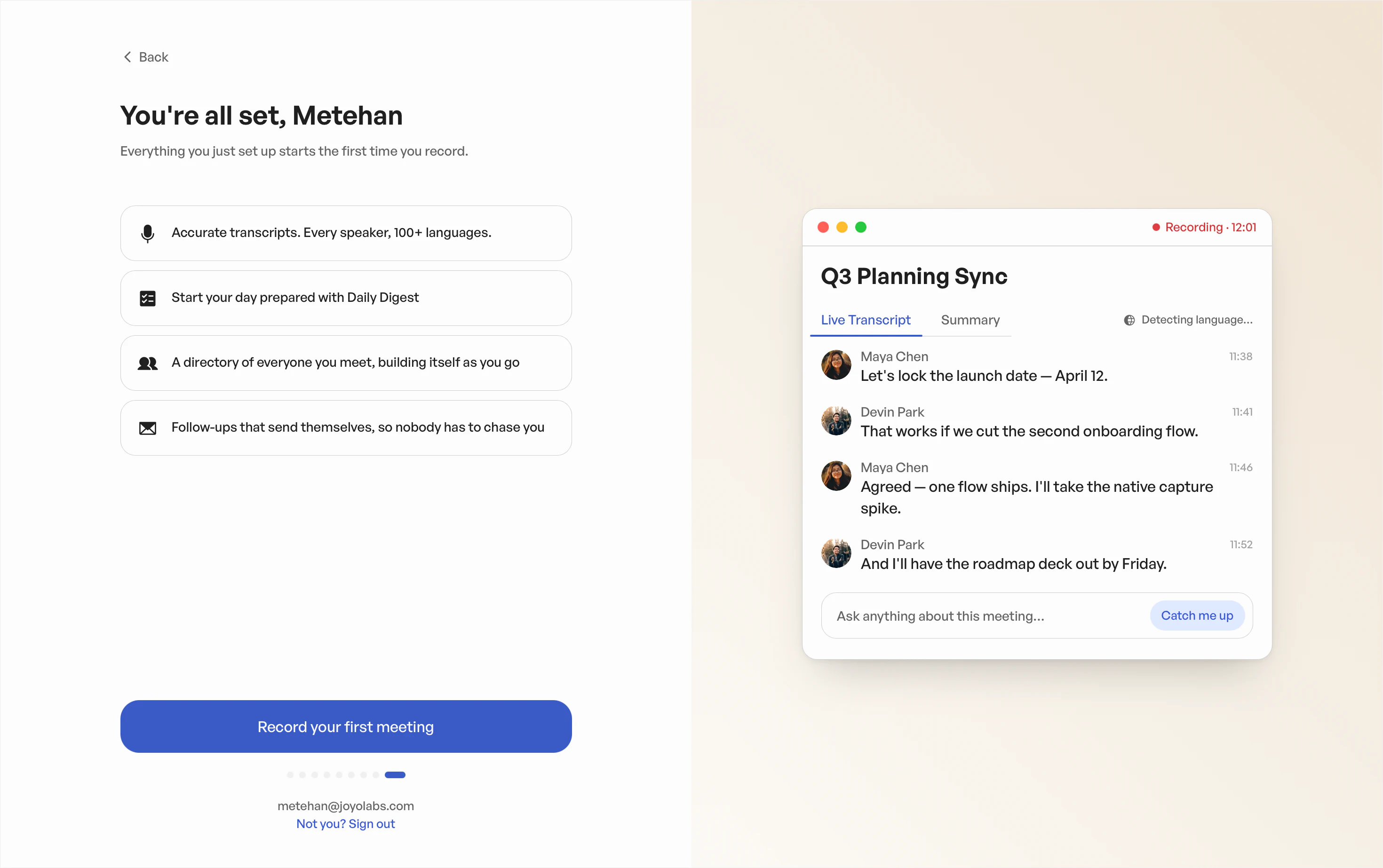
Launching the desktop app meant thinking beyond the product itself. I worked across both sides of that journey, designing the landing page and onboarding as a connected experience from first impression to first use.
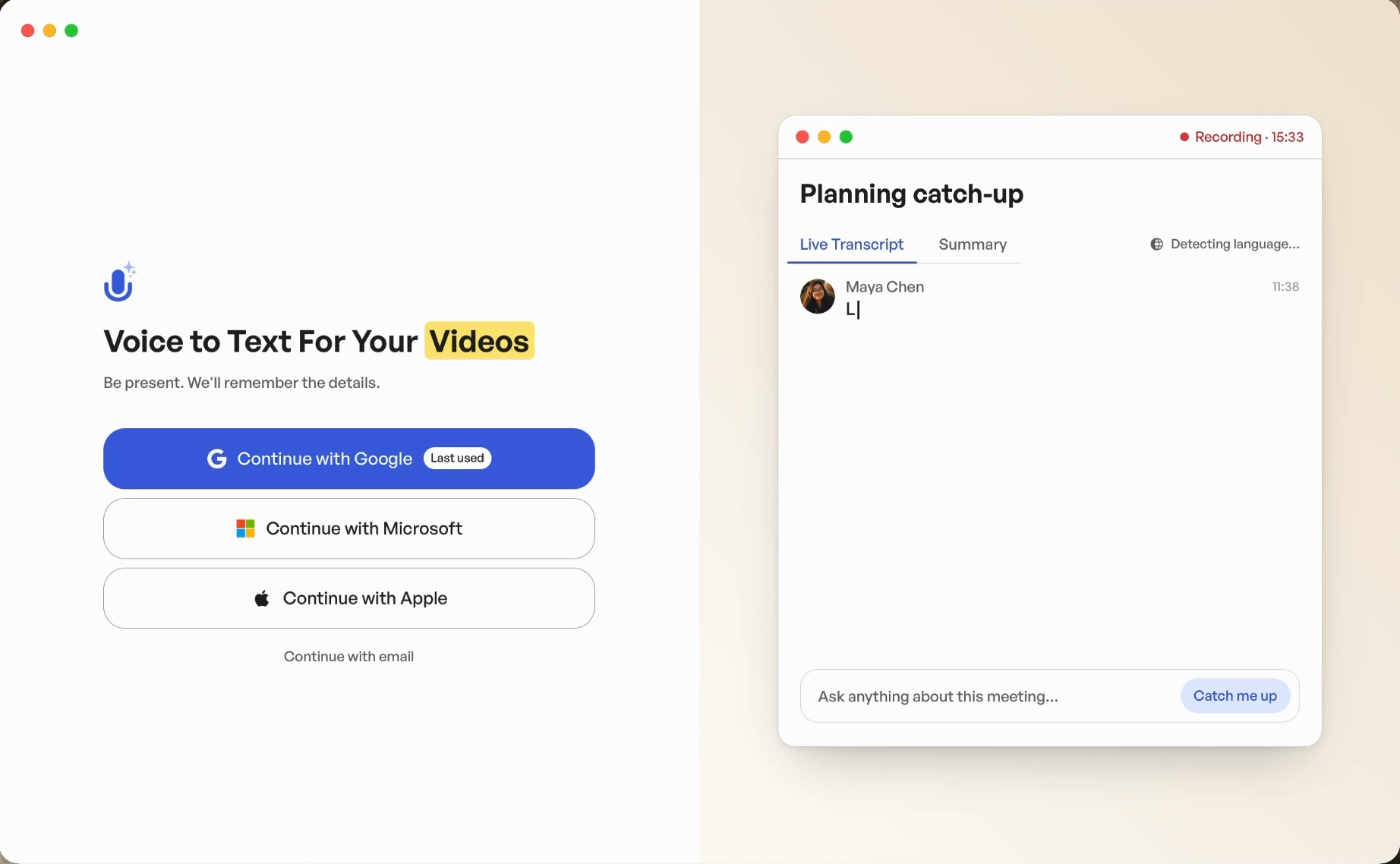
Landing pageThe reason to download, on desktop and mobile.

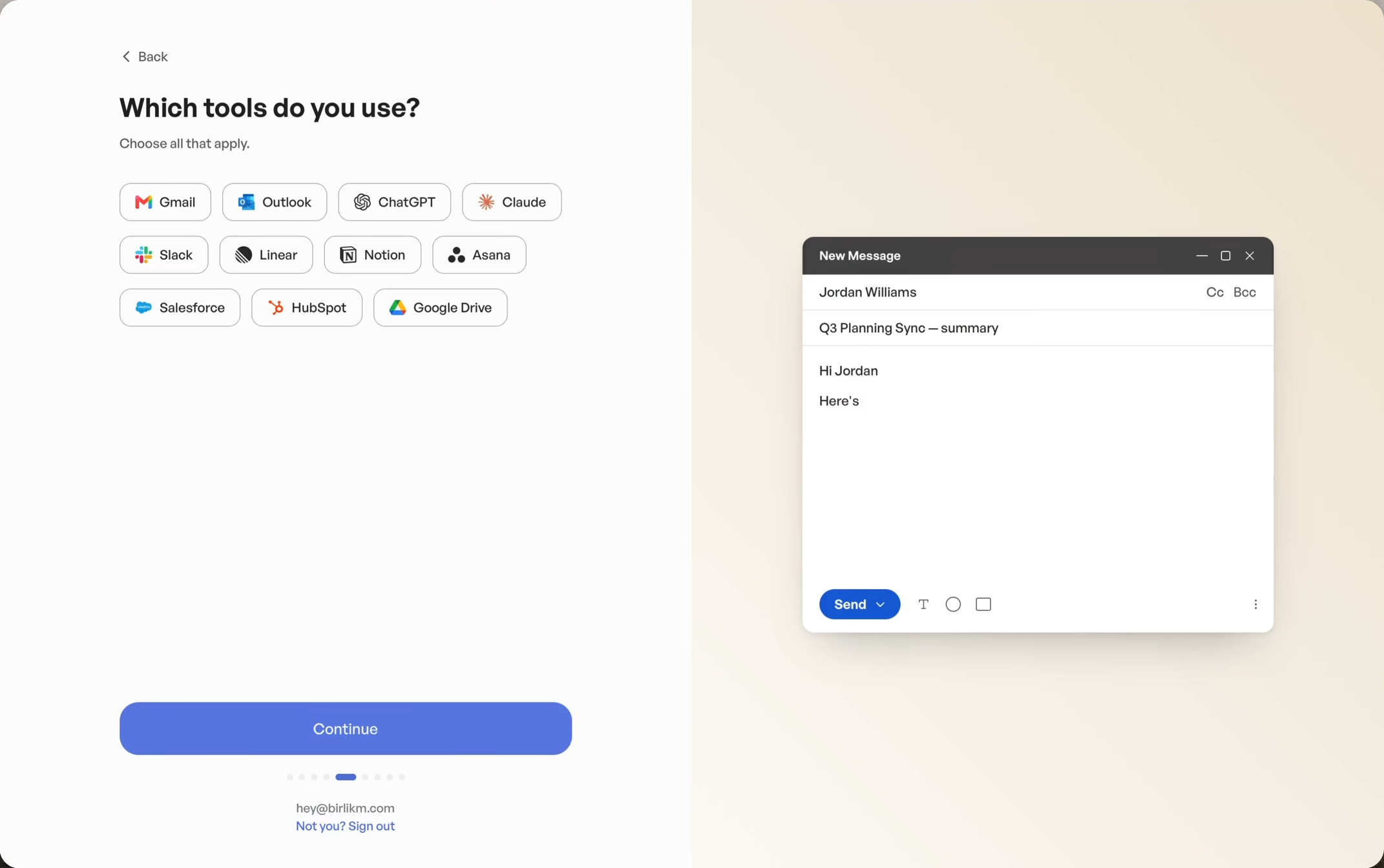
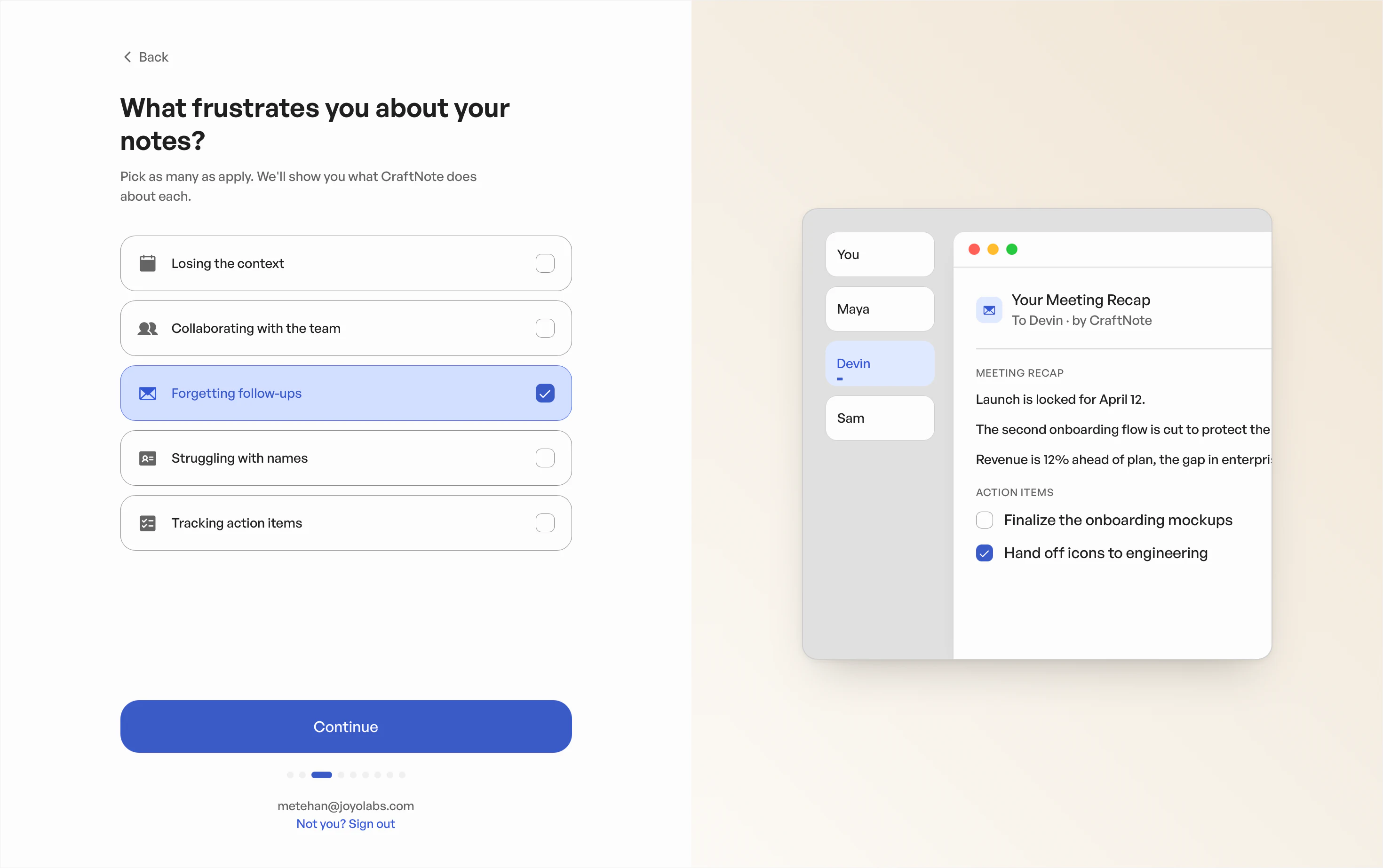
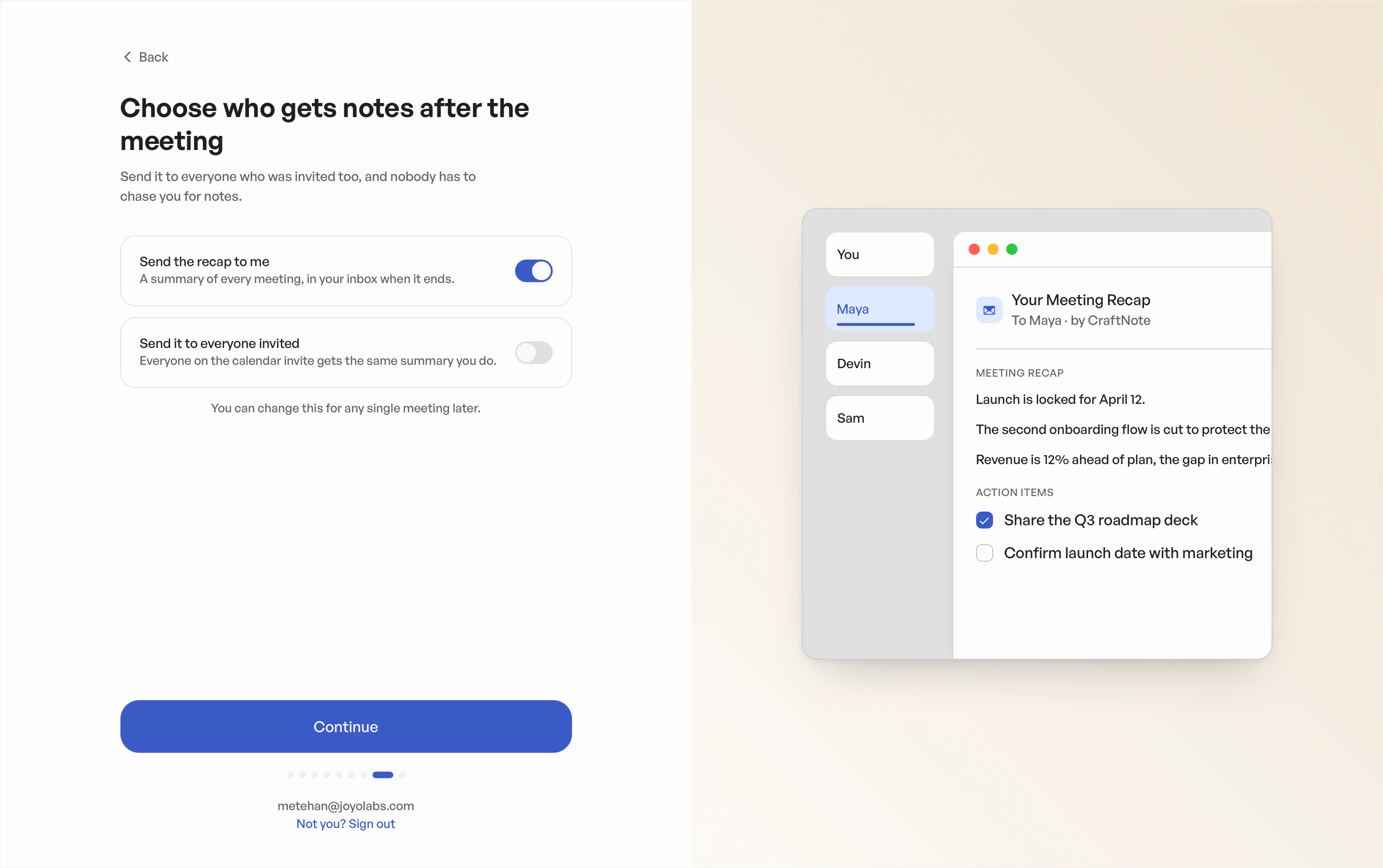
OnboardingInstall, connect, and set preferences.
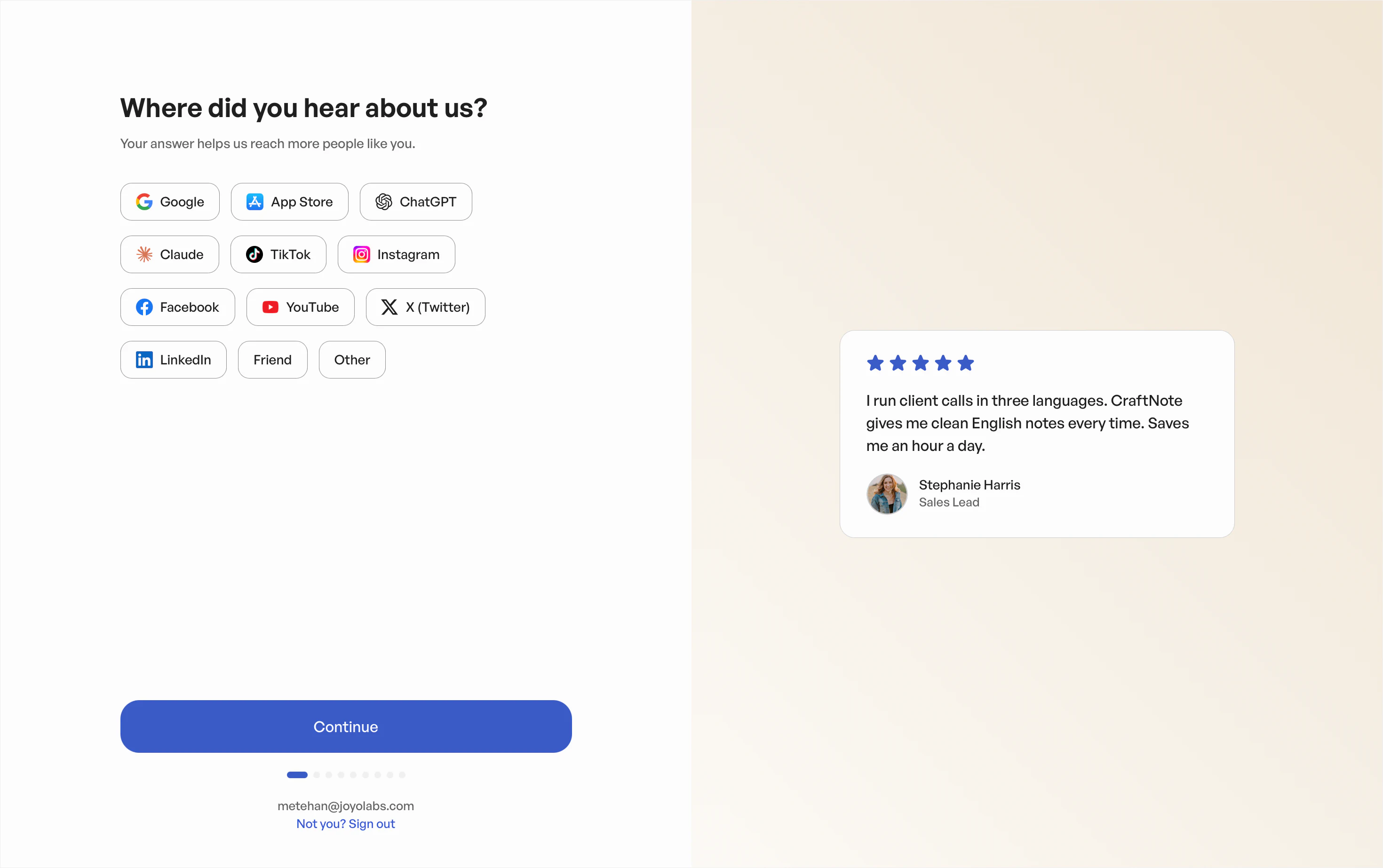
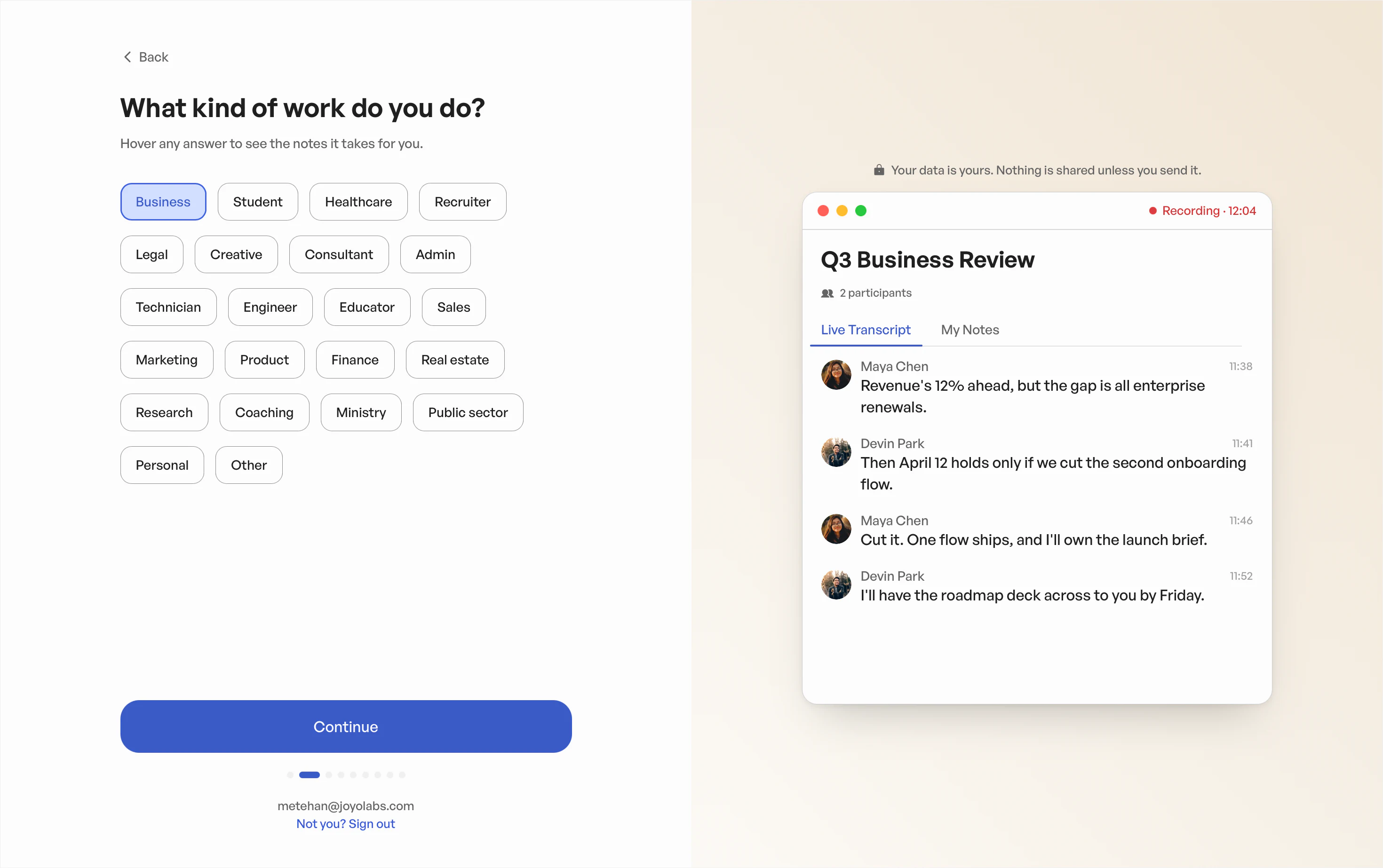
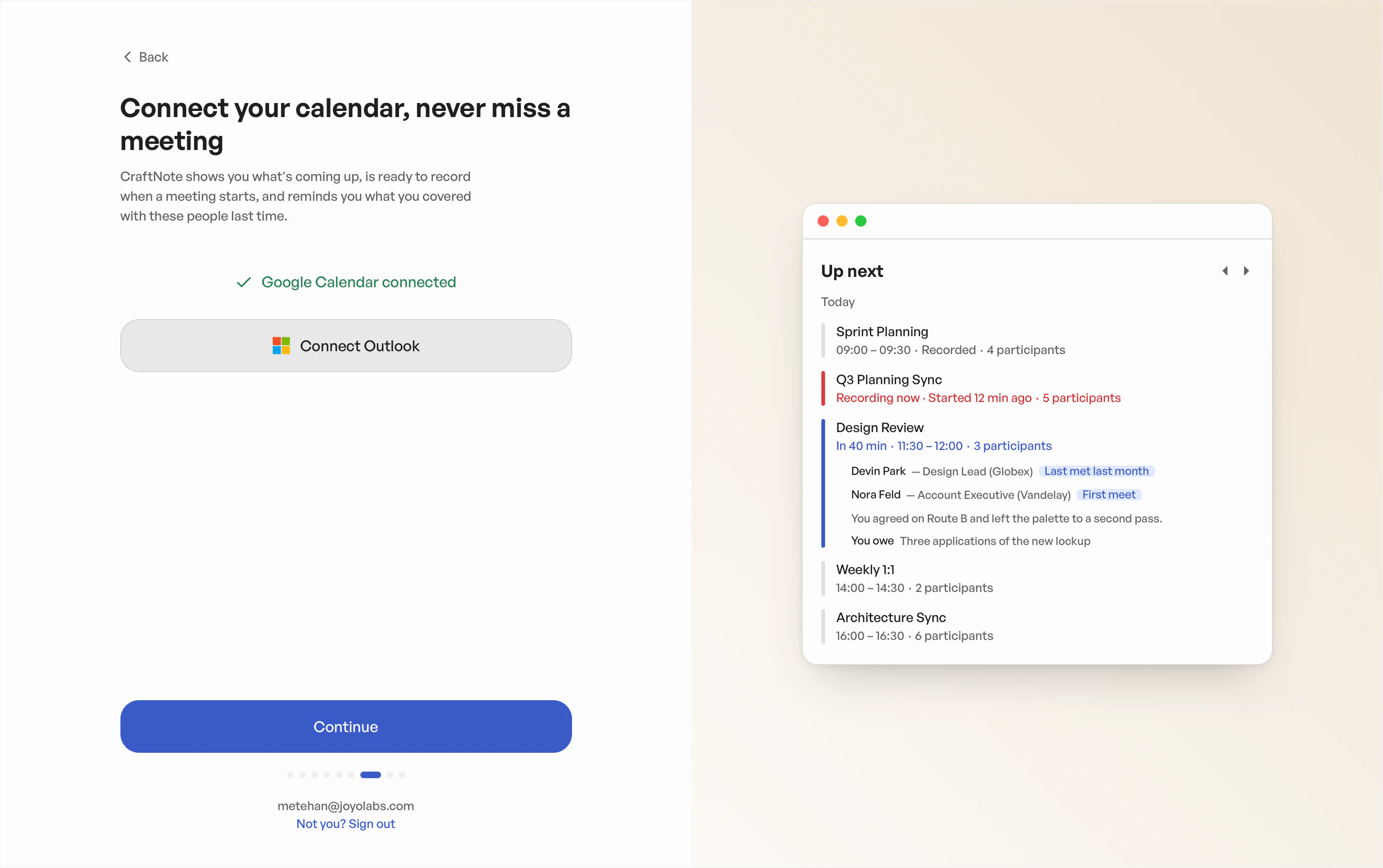
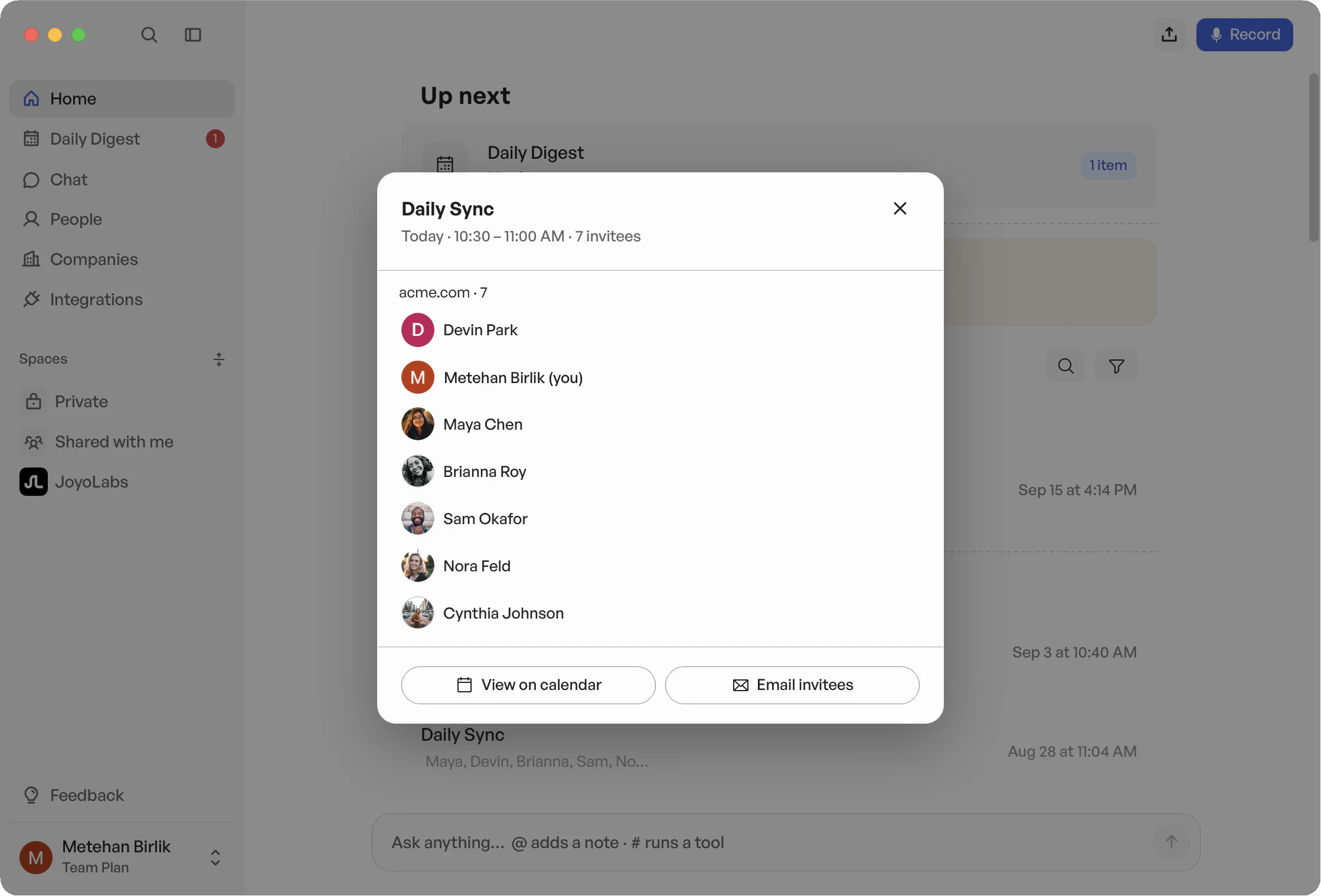
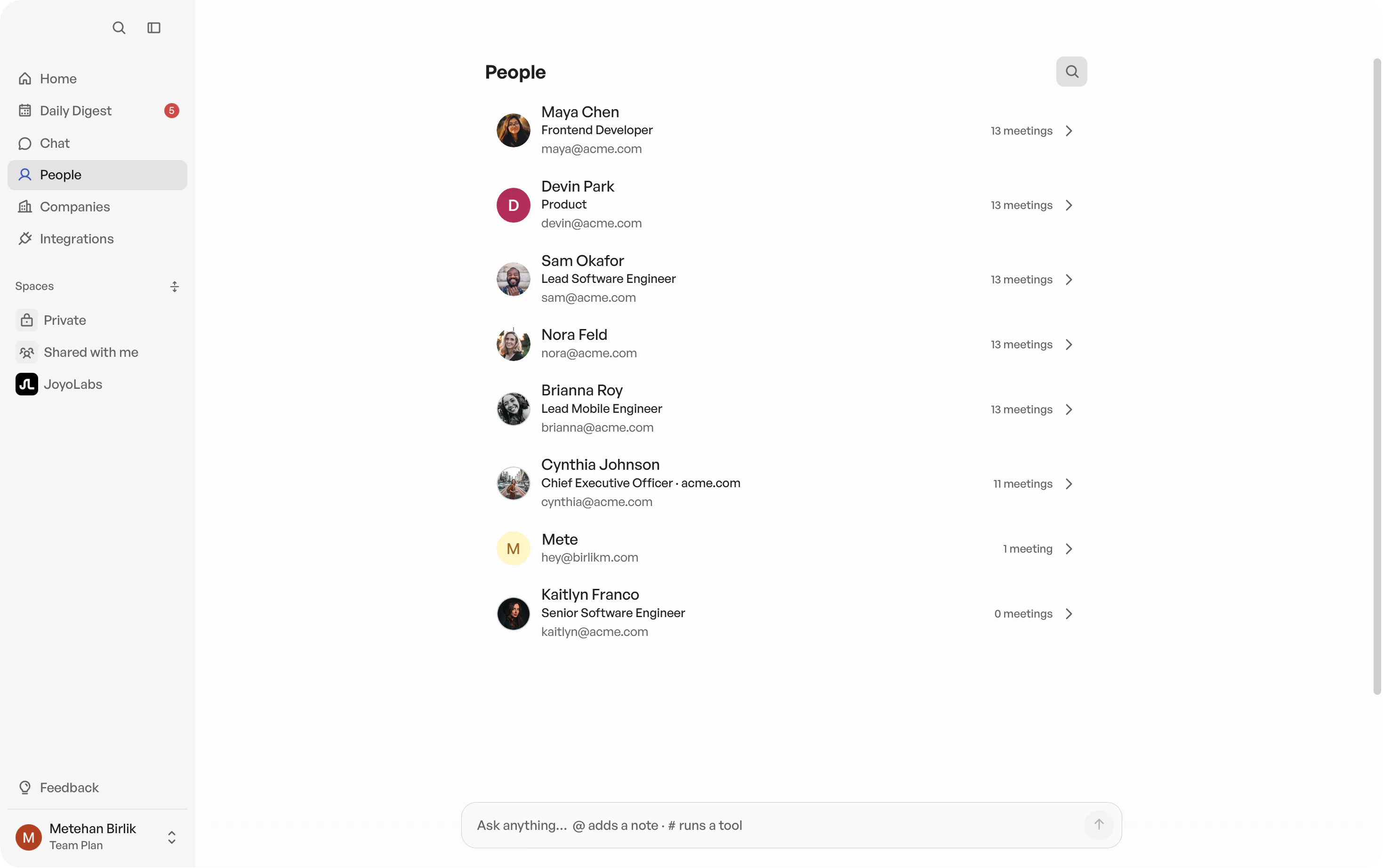
CraftNote already knew who users were meeting with and had context from their previous conversations. We explored how to make that information more useful, surfacing relevant context ahead of upcoming meetings and bringing it together in People.
Meeting contextBringing people and past conversations together.
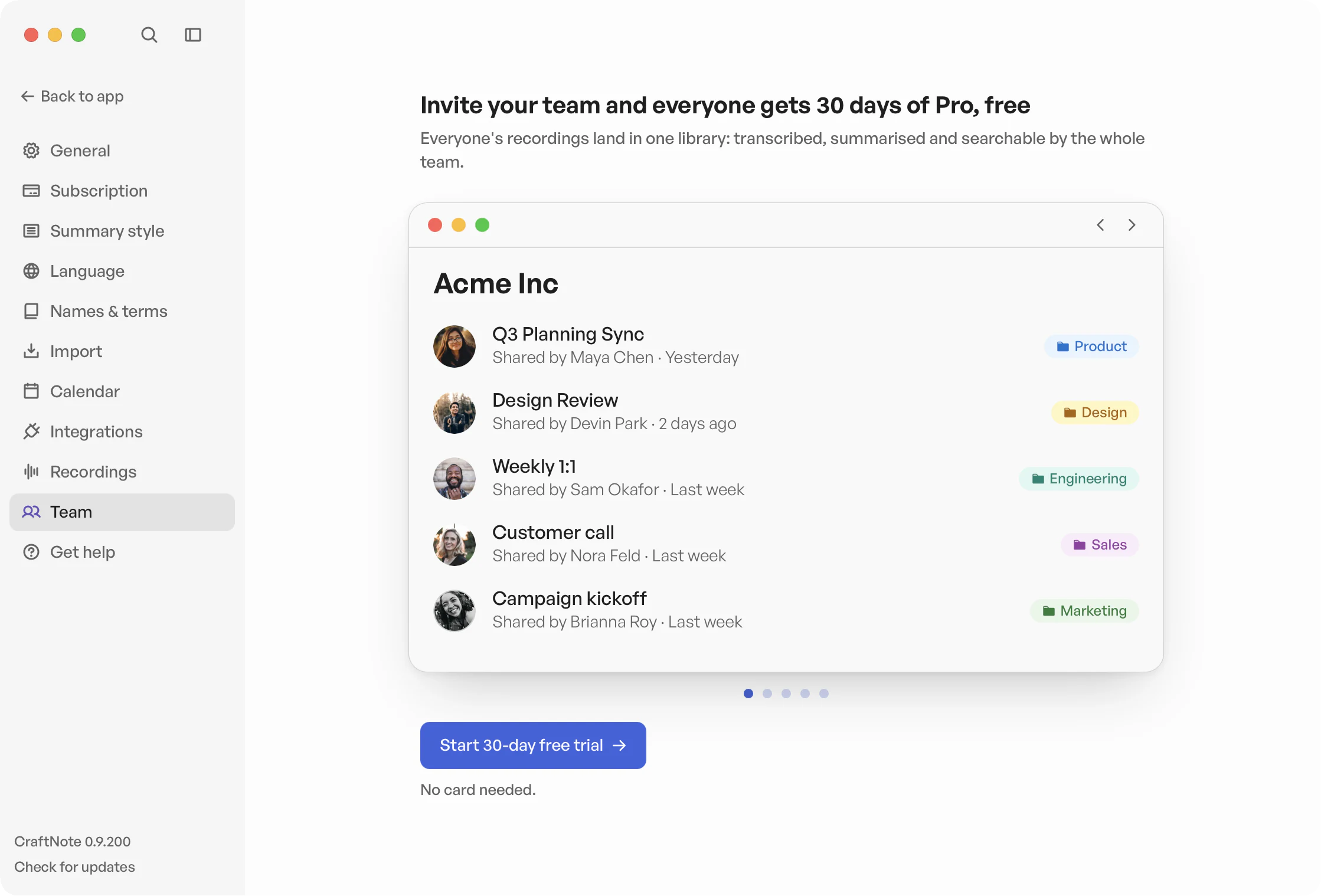
CraftNote had grown primarily as an individual productivity tool. As we explored B2B, we needed to make it work not just for individual professionals, but for the teams, tools, and workflows around them.
Team setupIntroducing teams.
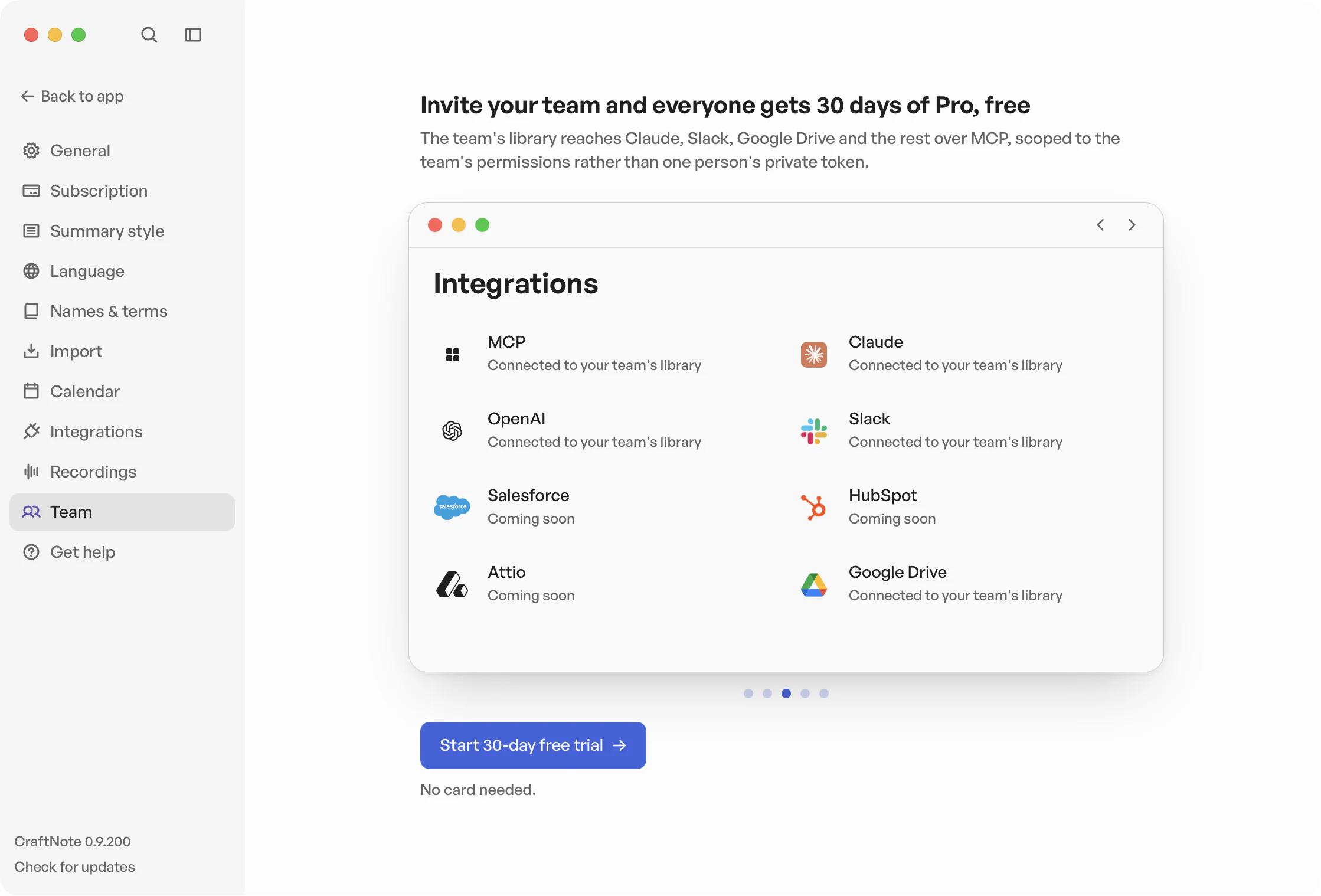
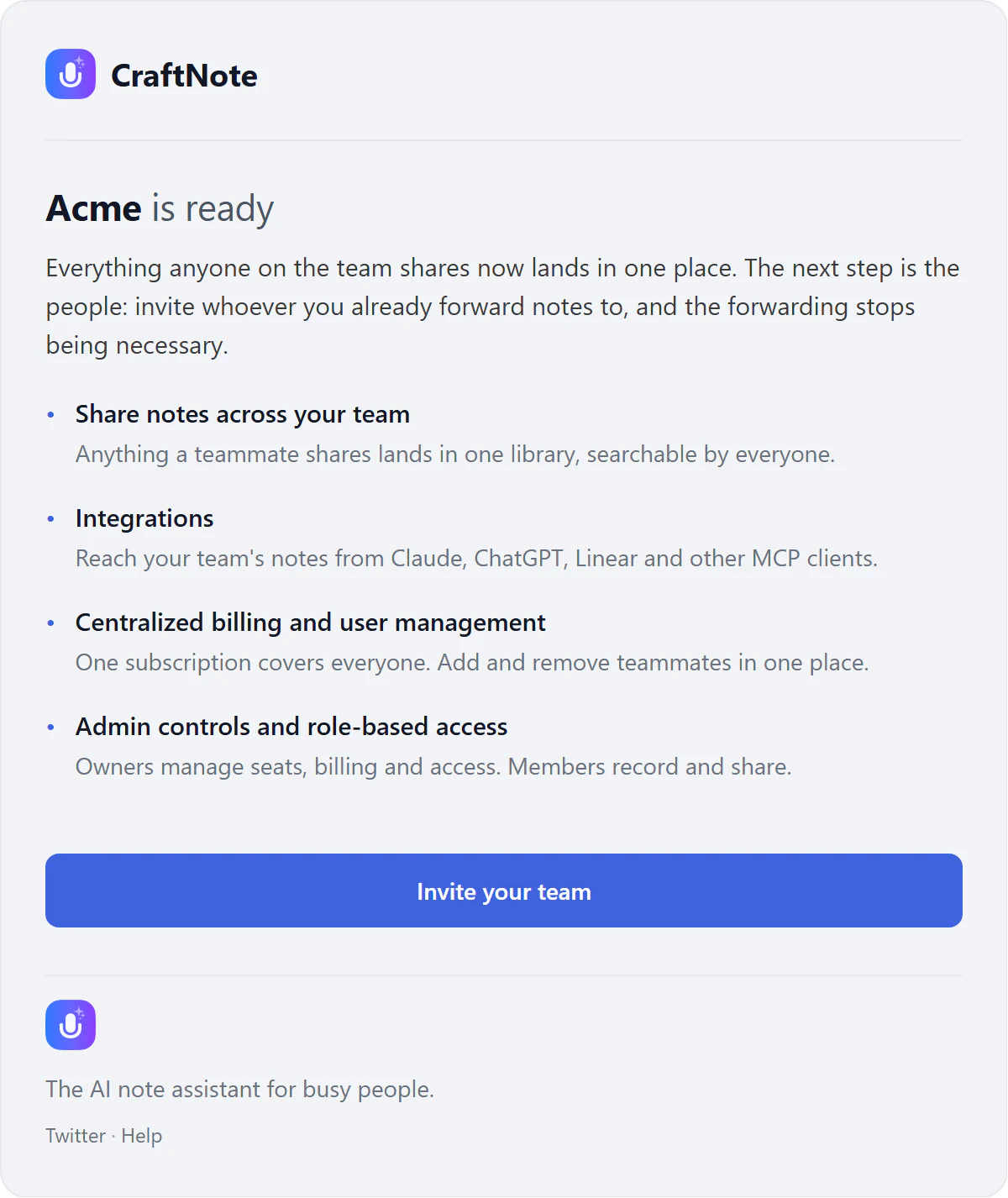
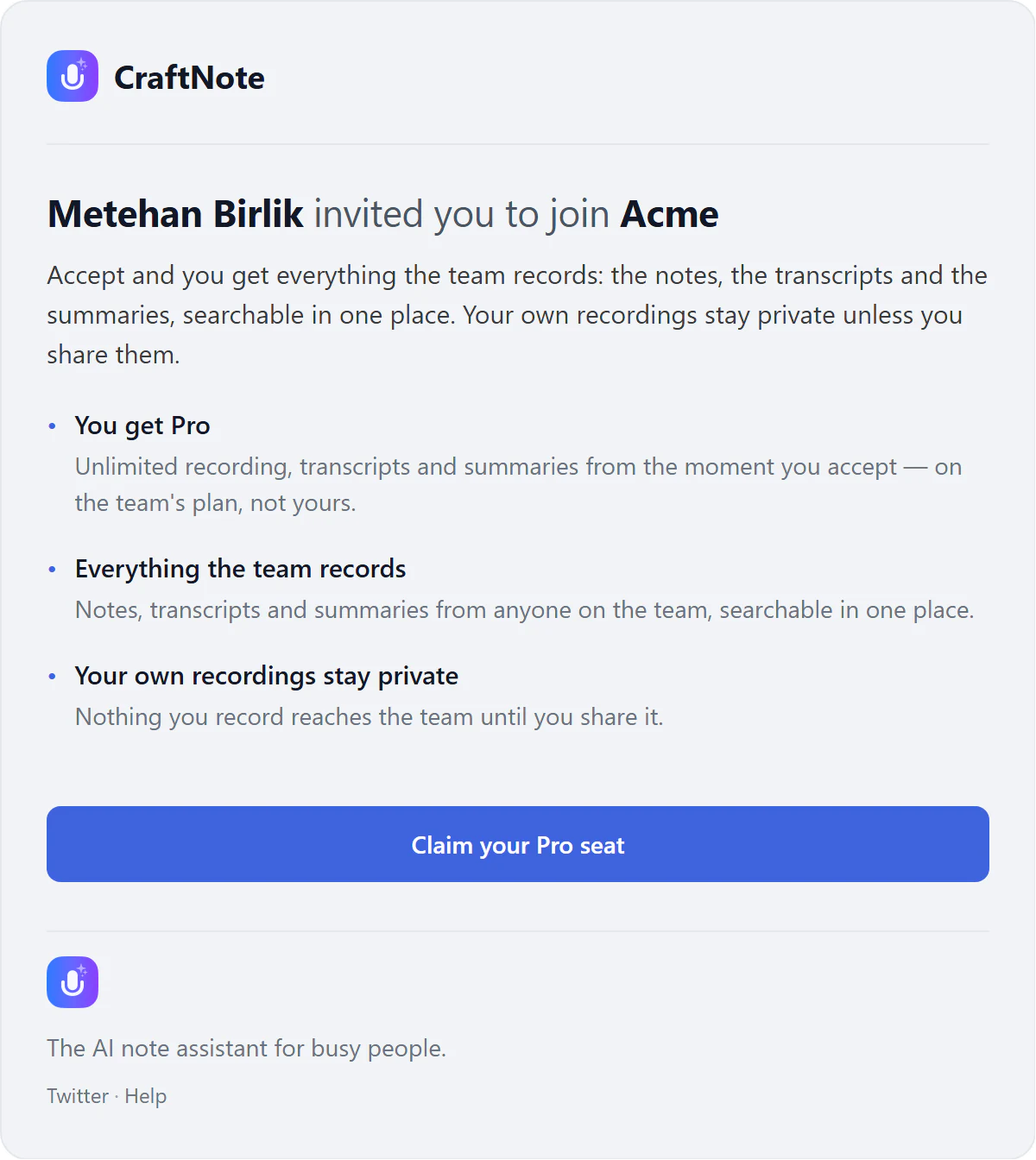
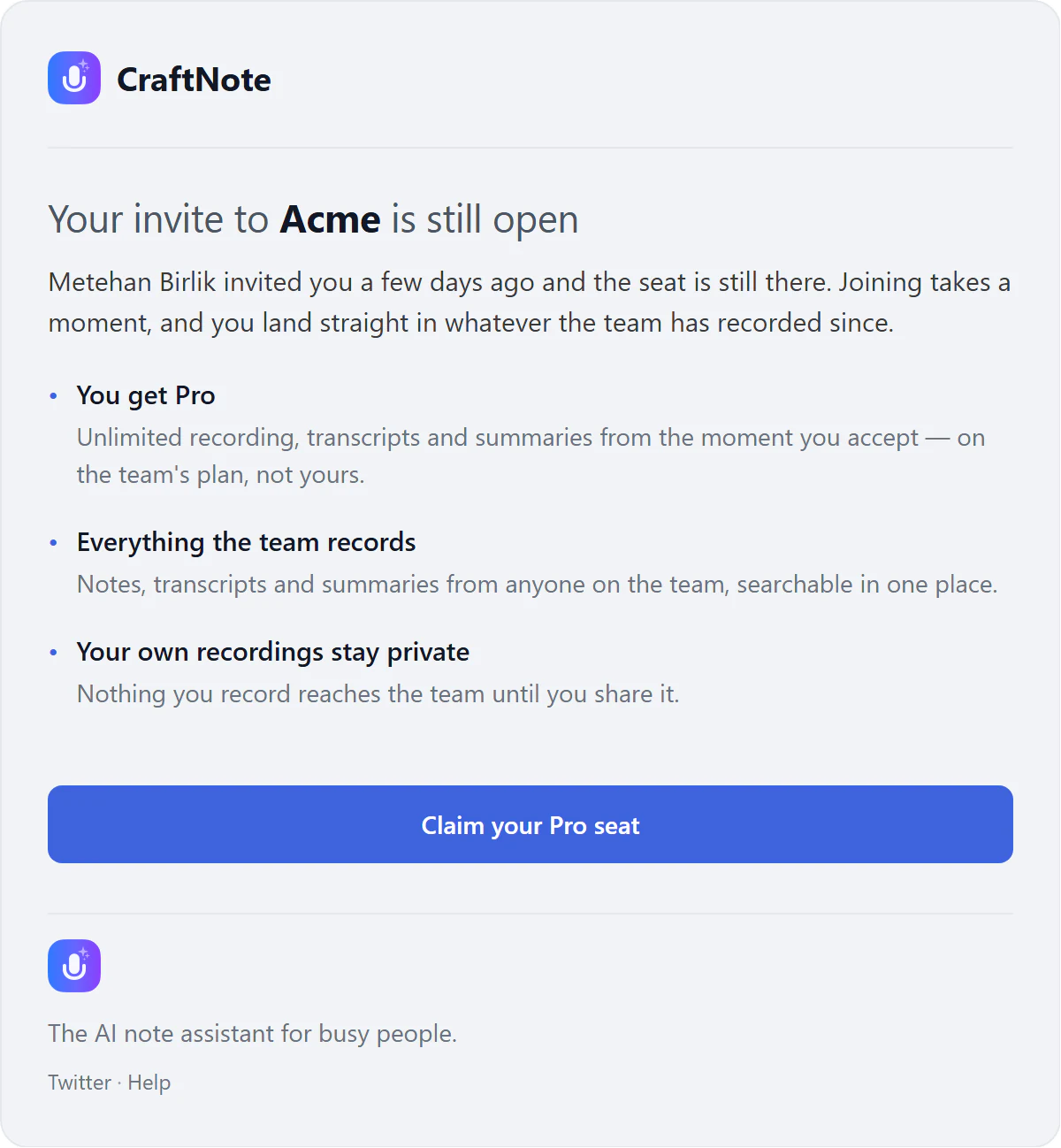
Team emailsThe invite lifecycle, from team created to reminder.
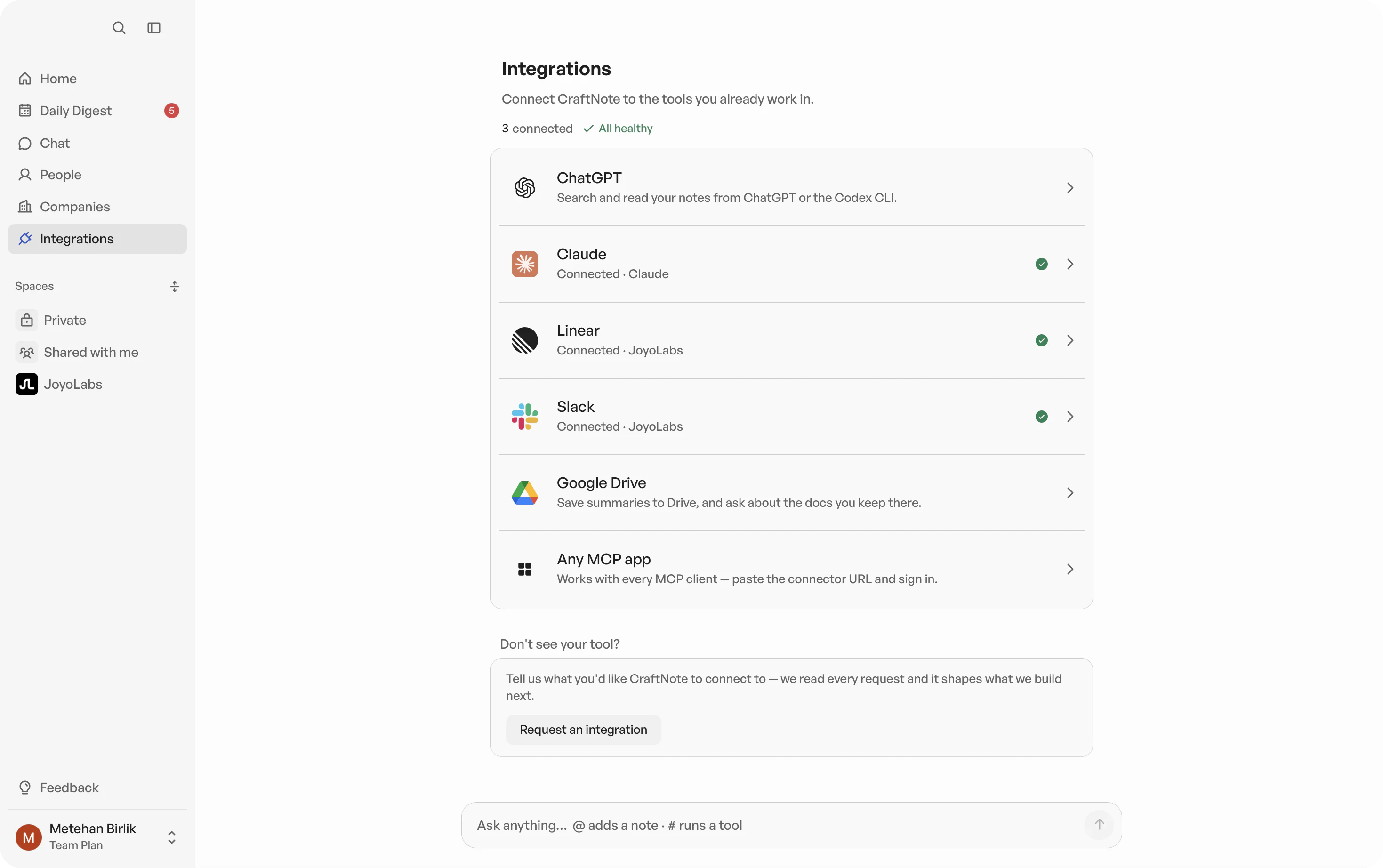
IntegrationsConnecting the tools a meeting already lives in.